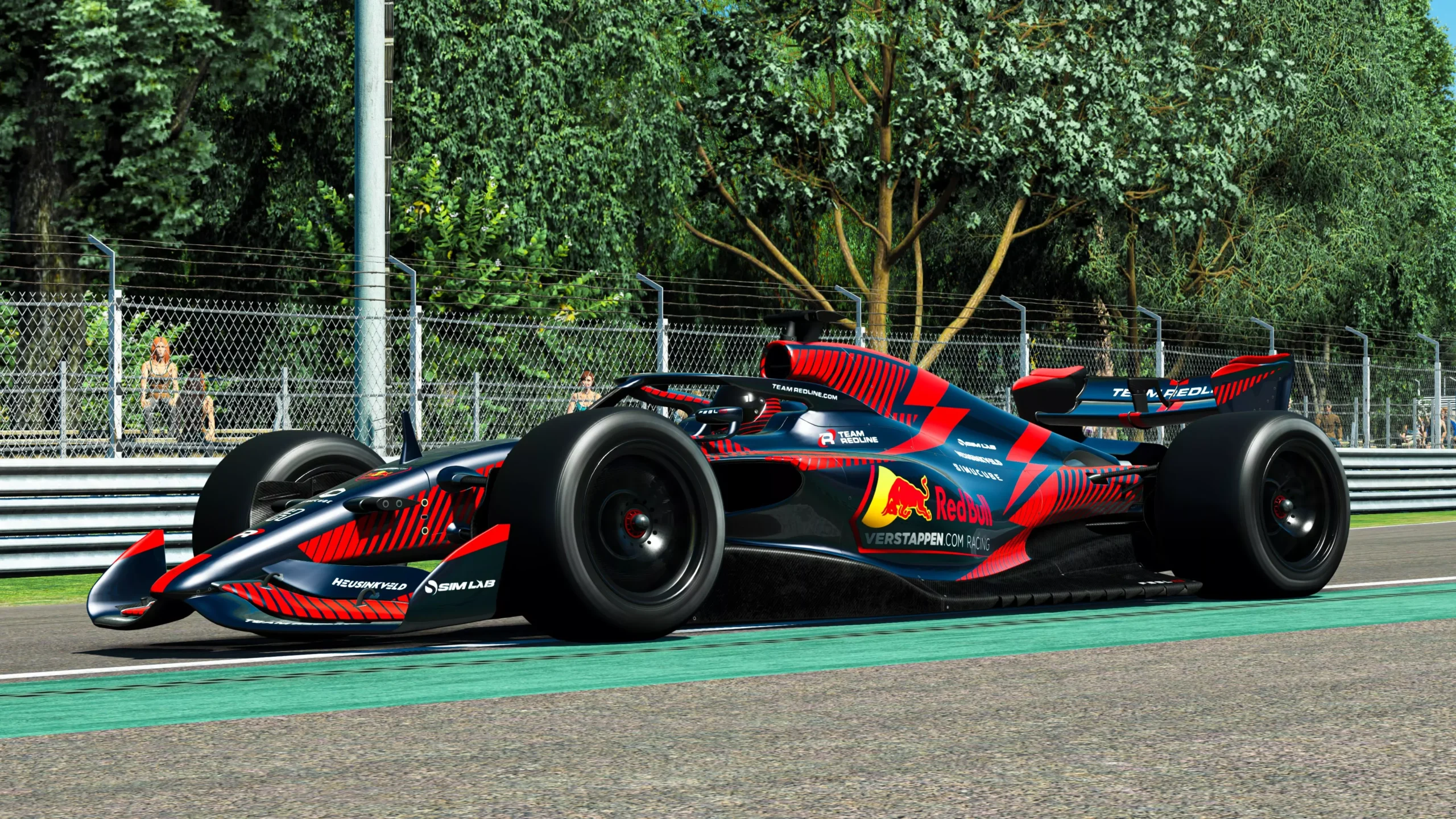
Racing Thrills – The excitement of battling wheel-to-wheel, without the real-world risks or costs.
Constant Improvement – Every lap teaches you something new — brake later, hit the apex smoother, find more speed.
Community – Race with people around the world, join leagues, and make friends who share the same passion.
Affordable Motorsport – Real life motorsport is very expensive so instead of spending thousands on track days, building cars, you can enjoy realistic racing at home. For beginners, sim racing is the perfect mix of fun, learning, and competition but don’t forget the goal is firstly have fun!
 Pro Tip: Don’t burn out by over practicing. A few focused sessions are better than endless hours that kill the fun.
| Sim | Platform | Cost Model (2025) | Focus / Style |
|---|---|---|---|
| Gran Turismo 7 | PlayStation | ~$70 (base game) | Variety of cars, strong online play |
| Forza Motorsport | Xbox / PC | ~$70 (or included in Game Pass ~$10–15/mo) | Casual + competitive racing mix |
| iRacing | PC | ~$13/mo subscription + ~$12–15 per car/track | Structured online racing, leagues |
| Assetto Corsa Competizione (ACC) | PC / Console | ~$40 base + DLC packs ($15–20 each) | GT Classes racing realism with realistic physics |
| Automobilista 2 (AMS2) | PC | ~$40 base + optional DLC packs | Wide car/track variety, strong physics |
| rFactor 2 | PC | ~$30 base + DLC packs ($5–15 each) | Hardcore sim, endurance racing |
| RaceRoom Racing Experience | PC | Free-to-play (starter content) + DLC packs ($5–15 each, or ~$70 for premium pack) | Accessible entry point, great sounds, varied cars/tracks |
| Le Mans Ultimate | PC | ~$50 (early access) | Official WEC endurance racing, great sound & phycics |
| Assetto Corsa (AC1) | PC / Console | ~$20 (often on sale <$10) | Variety + huge list of mods, realistic physics and sounds |
| Assetto Corsa Evo | PC (in dev.) | ~$50 (early access) | Next-gen AC ex |
Quick Tip: If budget is your main concern, start with Assetto Corsa (AC1) is the cheapest simulator with tons of mods for tracks and cars.
 Beginner Steering Wheels
Logitech G29 / G923 + Pedals (potentiometer brake)
Thrustmaster T248 + Pedals (potentiometer brake)
 Affordable, limited force feedback and a less realistic brake feel
 Mid-Tier Steering Wheels
Fanatec CSL DD
Moza R5
High-detail, smooth FFB that massively boosts realism and precision
 High-Tier Steering Wheels
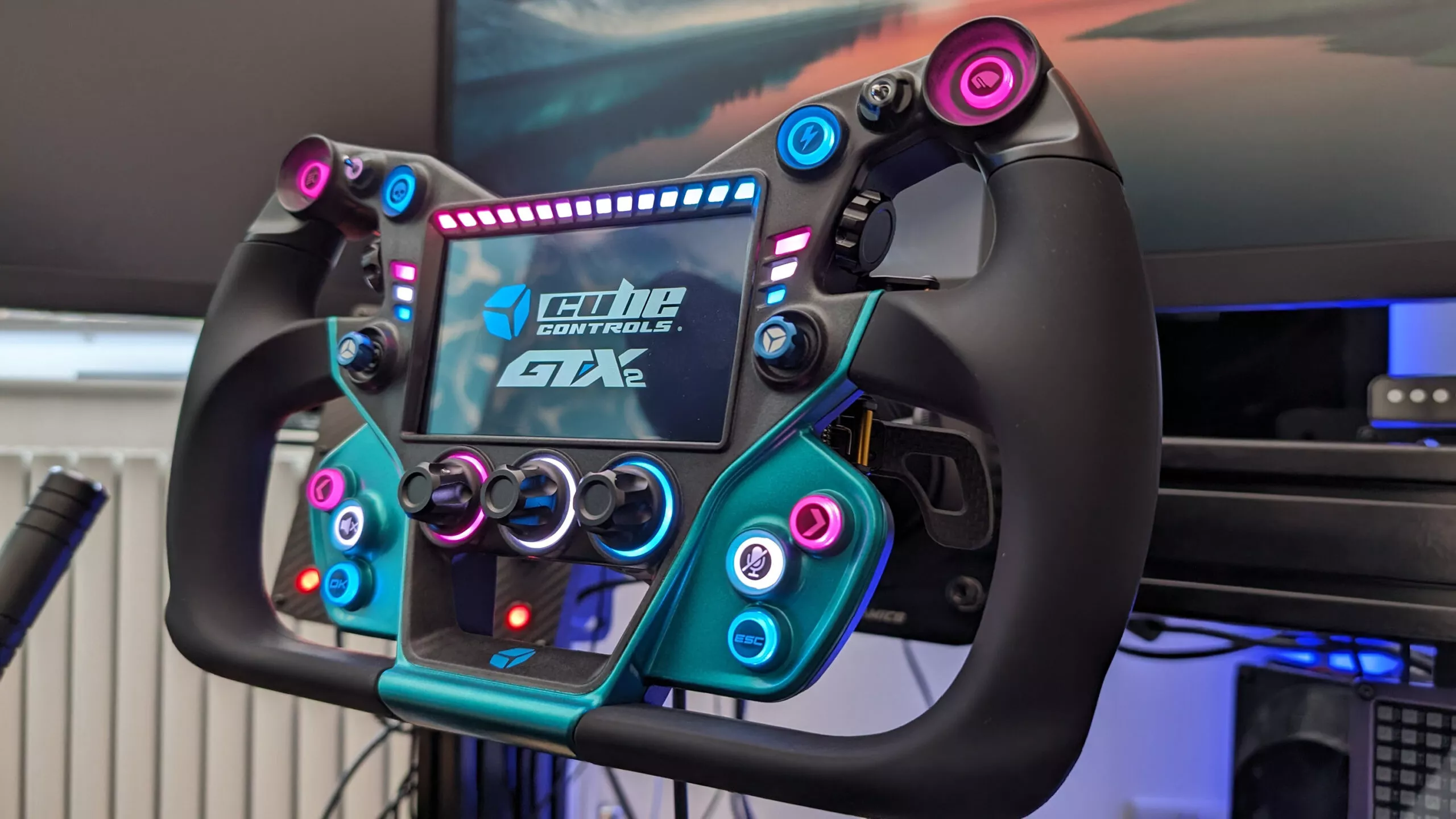
Simucube 2 Pro / Ultimate
Fanatec Podium DD2
Moza R16 / R21
Extremely powerful, detailed feedback for pro-level precision and realism
Entry-Level Pedals
Usually 2 or 3 pedals, bundled with wheels.
Use of potentiometers (measuring position, not pressure).
Examples: Logitech G29 / Thrustmaster T248 pedals.
Good to start, but lack fine control on braking.
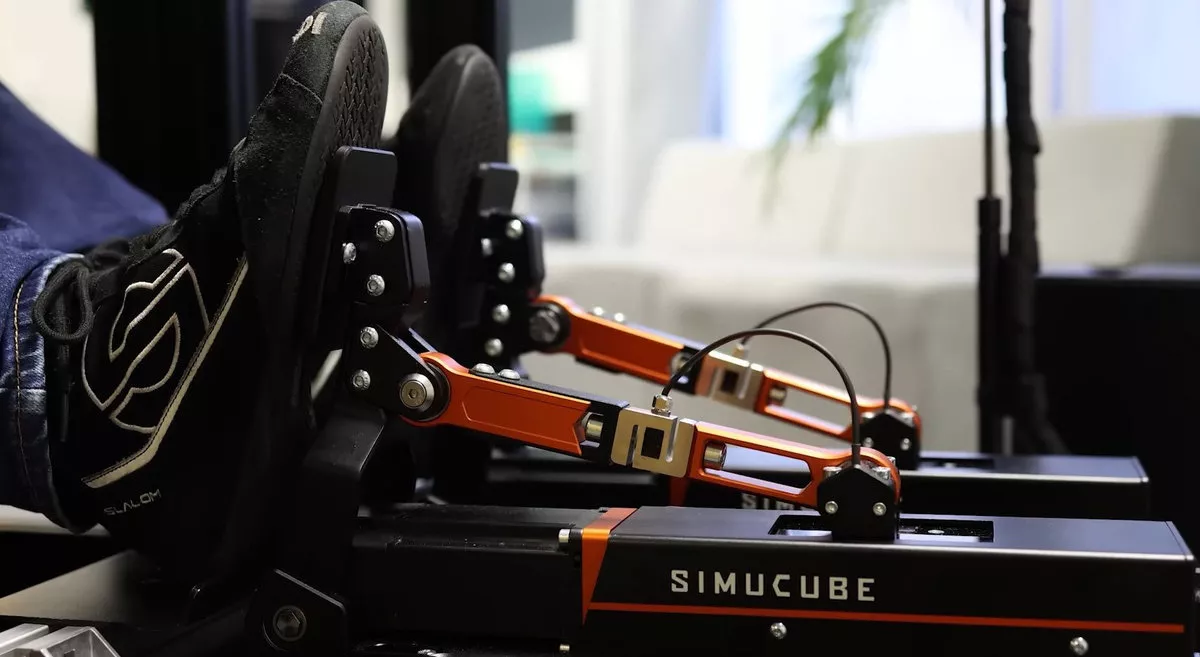
Mid-Tier Pedals
Load cell brake – measures pressure, not position.
Braking feels closer to a real car — push harder to brake harder.
Examples: Fanatec CSL Pedals with Load Cell Kit, Moza SR-P Lite Load Cell.
Best step-up upgrade for consistency and faster lap times.
High-Tier Pedals
Hydraulic or high-quality load cells.
Extremely realistic feel with adjustable brake stiffness.
Examples: Heusinkveld Sprint, Simtrecs ProPedal GT, BJ Steel GT.
For sim racers who want maximum realism and competitive edge.
Pro Tip: If you’re on a budget, upgrading pedals often makes a bigger difference than upgrading your wheel. Braking consistency = faster laps.
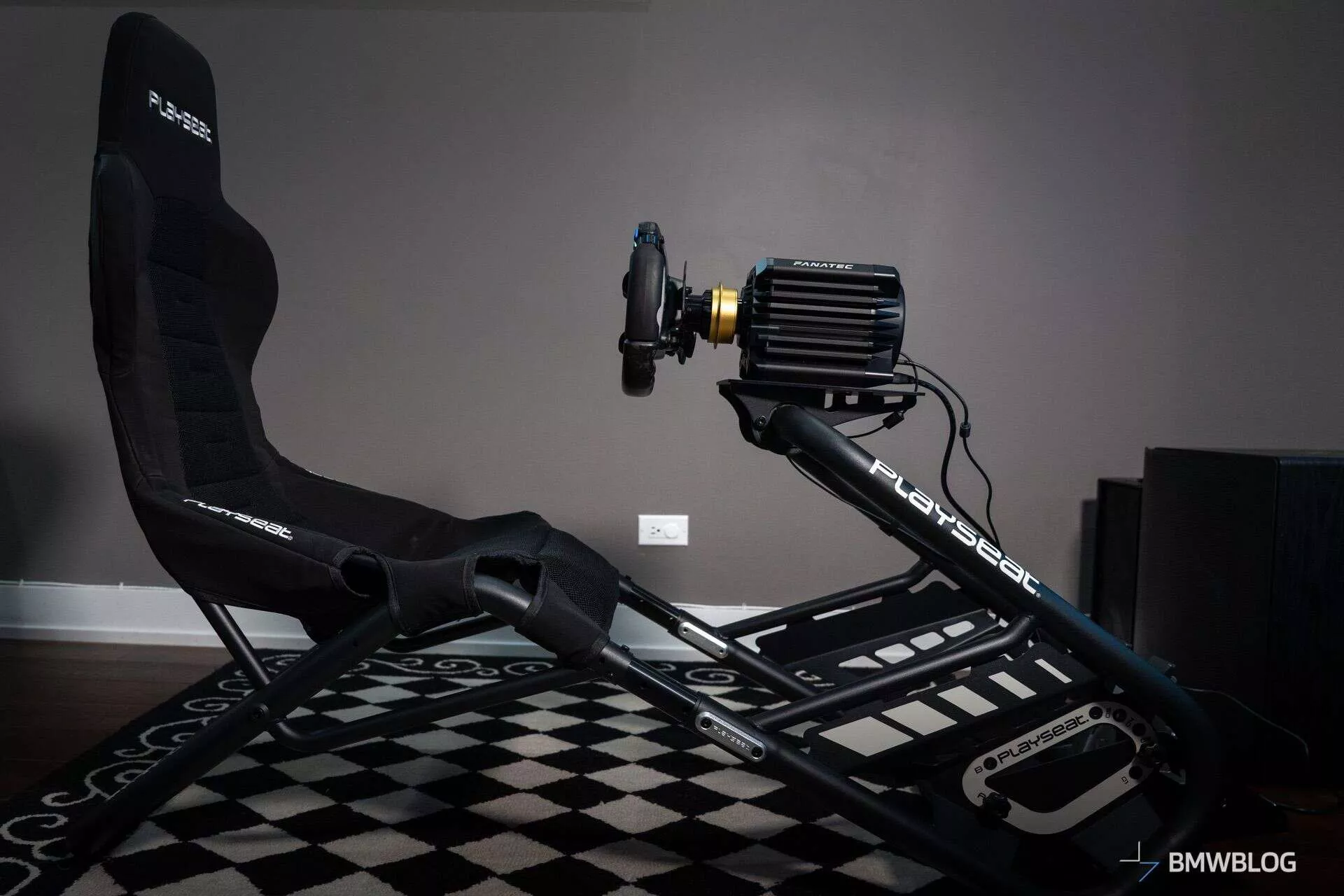
🟢 Entry-Level Sim Rigs
Playseat Challenge
Next Level Racing GT Lite
Affordable, compact, and easy to set up — but less sturdy and less adjustable.
🔵 Mid-Tier Sim Rigs
GT Omega ART
Next Level Racing F-GT
Sturdier and more stable, ideal for load-cell pedals and mid-tier wheels
🔴 High-Tier Sim Rigs
Sim-Lab P1-X
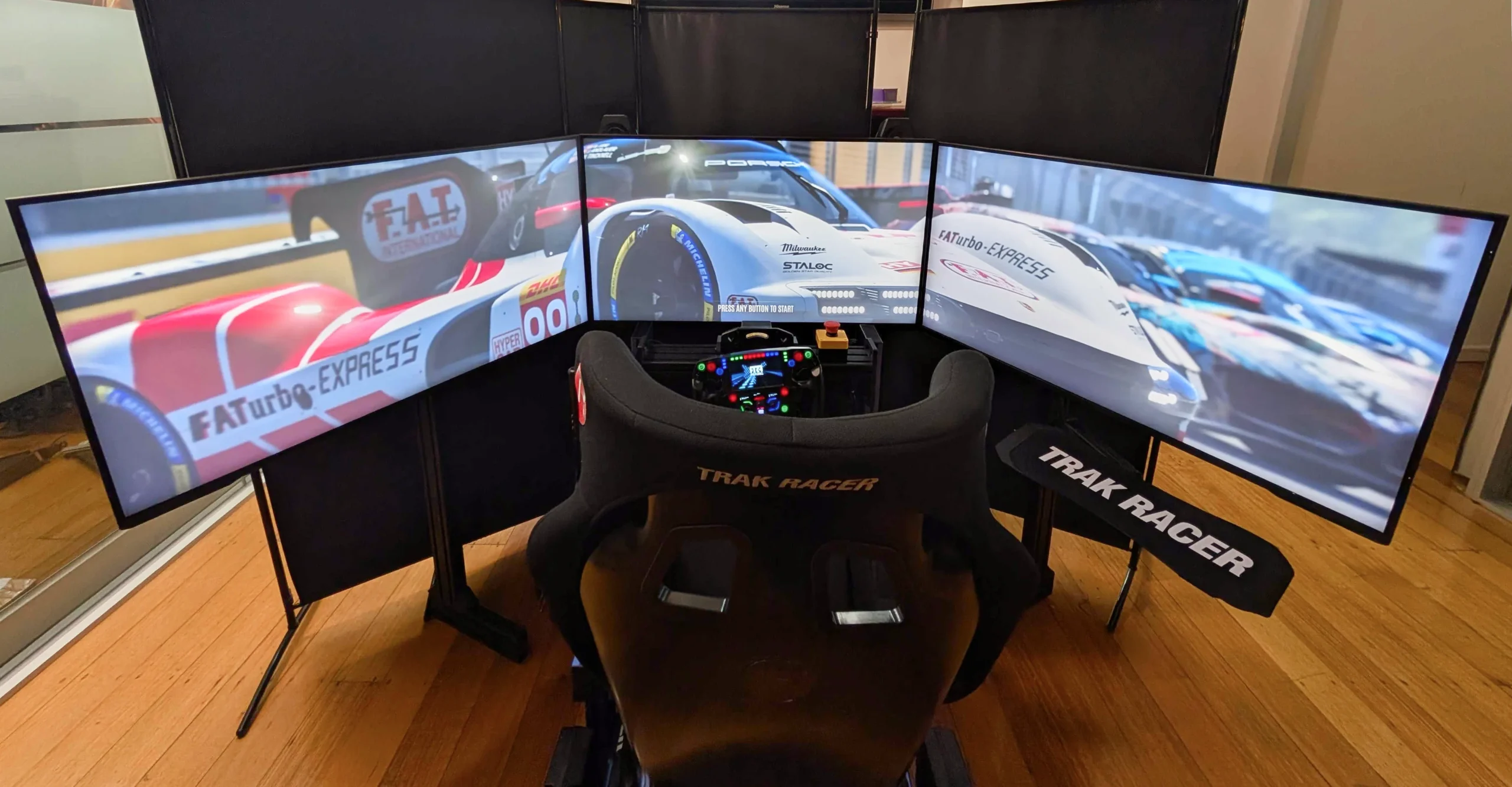
Trak Racer TR160
SimXperience Motion Rig
Built for high-power direct-drive wheels with exceptional stability and realism
Pro Tip: Sim rigs are not just for comfort, they make you faster because your wheel and pedals stay firmly in place, letting you focus on driving.
🟢 Minimum Specs
Good for older sims (Assetto Corsa, RaceRoom) or lower settings.
CPU: Intel i5 (4th–6th gen) / Ryzen 3
GPU: NVIDIA GTX 1050Ti / AMD RX 570
RAM: 16GB
Storage: 250GB SSD
Works fine for beginners on a budget.
🔵 Recommended Specs
Ideal for most sims like iRacing, ACC, Automobilista 2, rFactor 2.
CPU: Intel i5 (10th gen or newer) / Ryzen 5
GPU: NVIDIA RTX 3060 / AMD RX 6600 XT
RAM: 16GB
Storage: 500GB SSD
Smooth performance at high settings, good value for most players.
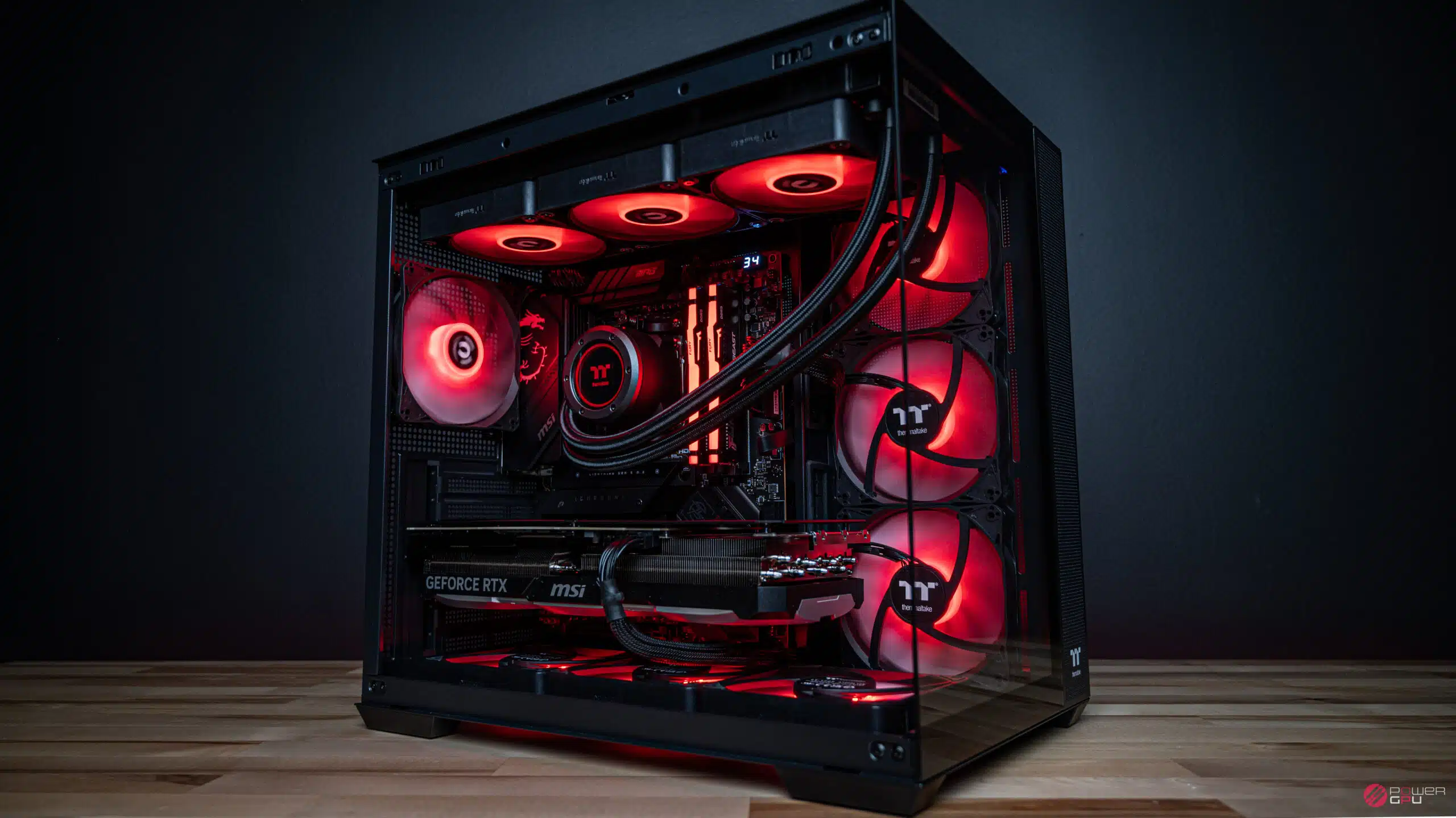
🔴 High-End Specs
Best for VR, triple screens, and max graphics in all sims.
CPU: Intel i7/i9 or Ryzen 7/9
GPU: NVIDIA RTX 4080+ / AMD RX 7900 XT+
RAM: 32GB
Storage: 1TB SSD (NVMe preferred)
Built for immersion and future-proofing.
Pro Tip: A low latency under 5ms monitor is recommended for low input lag. FPS (frames per second) is more important than graphics quality. A steady 80–120 FPS feels smoother and helps you react faster in races.
Budget Setup ($250–$500)
Wheel: Logitech G29 / Thrustmaster T248
Pedals: Bundled 2–3 pedal set (potentiometer)
PC: Entry-level (GTX 1050Ti / Ryzen 3)
Rig: Basic stand / Playseat Challenge
For beginners testing the waters
Mid-Range Setup ($800 –$1500)
Wheel: Fanatec CSL DD / Moza R5
Pedals: Fanatec CSL ( Load Cell Kit) Moza S-RP
PC: RTX 3060 / Ryzen 5, 16GB Ram
Rig: GT Omega / NLR F- GT
Balanced, Realism and Value
High-End Setup ($3,000–$8,000)
Wheel: Simucube 2 Pro / Fanatec DD2
Pedals: Heusinkveld Sprint / Simtrecs ProPedal GT
PC: RTX 4080+ / Ryzen 7+, VR or triple screens
Rig: Sim-Lab P1-X / Trak Racer TR160
Competitive immersion & pro feel
 Ultimate Setup $10,000+
Wheel: Pro direct drive (Simucube Ultimate / Podium DD2)
Pedals: Hydraulic or elite load cell (Heusinkveld Ultimate+)
PC: Maxed-out (RTX 4090, VR or 4K triples)
Rig: Complete turnkey motion sim (D-BOX, SimXperience, Elite S3)
Ultimate realism, content creation, eSports level